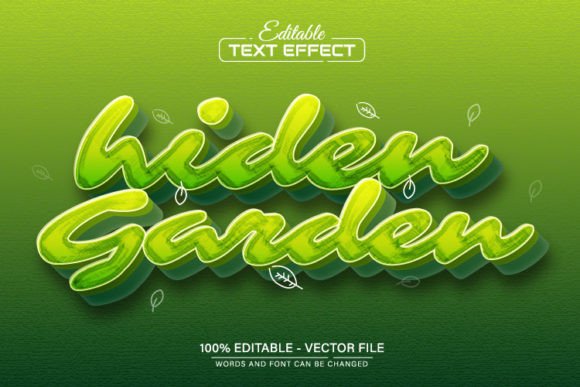
Hiden Garden Green 3D Text Effect
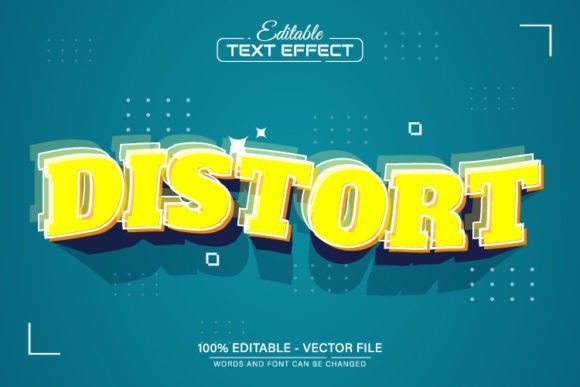
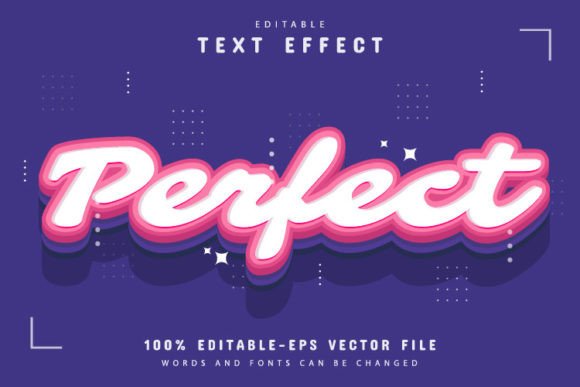
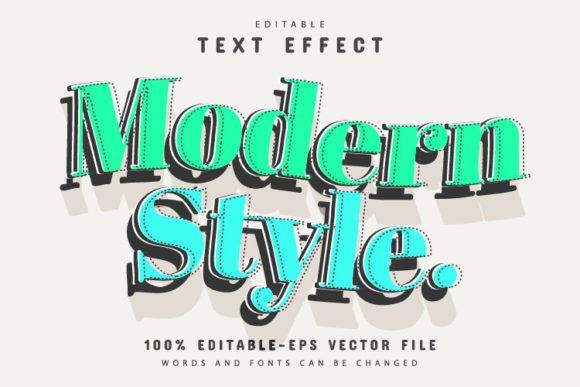
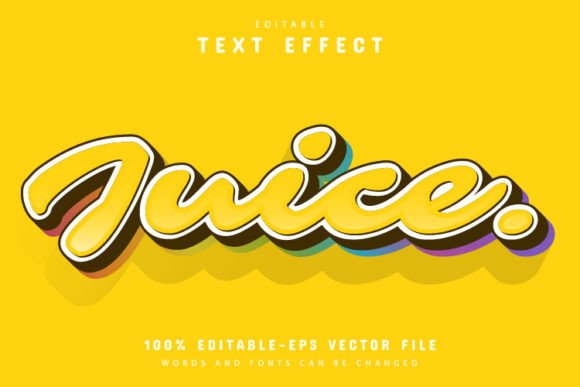
The Hiden Garden Green 3D Text Effect is a visually striking design that adds depth and dimension to any text. This effect is ideal for creating eye-catching graphics for websites, social media posts, print materials, or digital presentations. With its vibrant green tones and realistic 3D appearance, it can elevate the visual appeal of your projects and make your message stand out.
One of the standout features of this design is that it’s fully editable in Adobe Illustrator. Whether you're a beginner or an experienced designer, you can easily customize the text, colors, and effects to match your specific needs. The vector format ensures that the quality remains sharp at any size, making it perfect for both small and large-scale projects.
Why Different Audiences Care About This Design
For beginners, the Hiden Garden Green 3D Text Effect offers an accessible way to experiment with design without requiring advanced skills. The ease of editing means you can try different looks and styles quickly, helping you learn and grow as a designer. For professionals, this design provides a reliable tool that can be adapted to various branding needs, ensuring consistency across different platforms and formats.
Entrepreneurs and small business owners may find value in using this text effect for marketing materials. A well-designed headline can capture attention and reinforce brand identity. Educators and students might use it to create engaging visuals for presentations or educational content, making complex ideas more digestible and visually appealing.
Content creators and bloggers can leverage this design to enhance their online presence. Whether it's for a blog post title, social media graphic, or newsletter header, the Hiden Garden Green 3D Text Effect can add a professional touch that sets their work apart. Hobbyists and DIY enthusiasts may enjoy the creative freedom it offers, allowing them to explore new design possibilities without the need for expensive software or tools.
Key Features of the Design
- EPS and JPG Formats: The design is available in both vector (EPS) and raster (JPG) formats, giving users flexibility depending on their project needs.
- 100% Editable Vector: As a vector file, you can scale the design without losing quality, making it suitable for both digital and print use.
- Fully Editable Text: You can change the text, font, and style directly within Adobe Illustrator, offering complete control over the final output.
- Unlimited Color Variations: Customize the color scheme to match your brand or personal style, with no limitations on how many variations you can create.
- Easy to Edit: No advanced design skills are required—just a basic understanding of Adobe Illustrator to make changes.
How to Change the Text
Changing the text in the Hiden Garden Green 3D Text Effect is straightforward. Follow these simple steps:
- Open the file in Adobe Illustrator CS or a newer version.
- Press the "T" key on your keyboard to select the text tool.
- Click on the existing text to edit it, and make any adjustments you need.
This process allows you to personalize the design quickly, whether you're updating a headline, adding a tagline, or experimenting with different messages.
Practical Use Cases for Different Users
For a marketer, the Hiden Garden Green 3D Text Effect could be used to create compelling headlines for advertisements or promotional banners. The ability to adjust colors and text makes it easy to align with brand guidelines while maintaining a strong visual impact.
A teacher or educator might use this design to create engaging classroom materials or student handouts. The 3D effect can help draw attention to key points, making lessons more interactive and memorable.
A small business owner looking to build a brand identity could use this text effect for logos, website headers, or social media profiles. The high-quality vector format ensures that the design looks professional at any size, from a business card to a large banner.
For a hobbyist or DIY enthusiast, the design offers a fun and creative way to explore graphic design. Experimenting with different fonts, colors, and layouts can be a rewarding experience, helping to develop new skills and inspire future projects.
Considerations for Choosing the Right Design
When evaluating the Hiden Garden Green 3D Text Effect, consider your specific goals and requirements. If ease of use is a priority, this design offers a user-friendly workflow that doesn’t require advanced technical knowledge. For those focused on quality and flexibility, the vector format and unlimited color options provide a solid foundation for customization.
If you're working on a commercial project, the ability to edit and adapt the design can save time and resources. For personal projects or creative experimentation, the design offers a versatile canvas for exploring new ideas and styles.
Whether you're looking to enhance your portfolio, improve your marketing materials, or simply experiment with design, the Hiden Garden Green 3D Text Effect provides a powerful and practical solution. Its combination of visual appeal, flexibility, and ease of use makes it a valuable asset for a wide range of users.